Physical Address
304 North Cardinal St.
Dorchester Center, MA 02124
Physical Address
304 North Cardinal St.
Dorchester Center, MA 02124

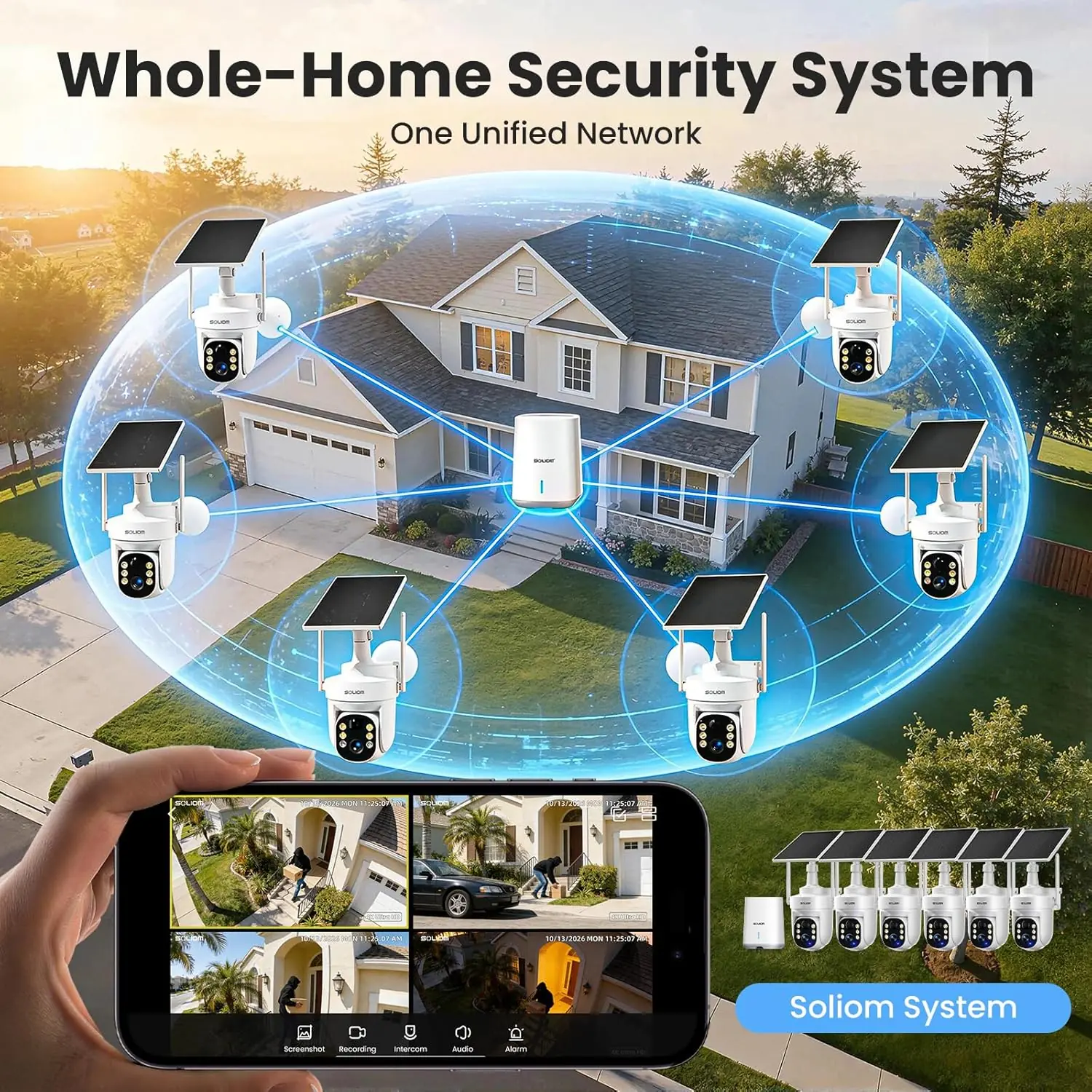
The SOLIOM SH506 is a complete six-camera outdoor security system powered by solar panels. Each camera runs on a small solar cell that keeps the internal battery topped off year round. The system includes a central base station that connects to your router via ethernet, and each camera links wirelessly to that station. The package has no monthly subscription because all footage stores locally on a 64GB microSD card inside the base station. SOLIOM is a relatively young brand compared to Ring or Arlo, but they have focused entirely on solar-powered, no-fee security. The SH506 model competes squarely with mid-range systems like the Eufy SoloCam S340 and the Ring Stick Up Cam Solar, but it offers something most single-camera kits do not: a coordinated multi-camera setup that follows movement from one camera to the next. This cross-camera auto tracking is the main engineering differentiator. It uses radar detection instead of standard PIR, which theoretically cuts down on false alerts from animals or swaying plants.
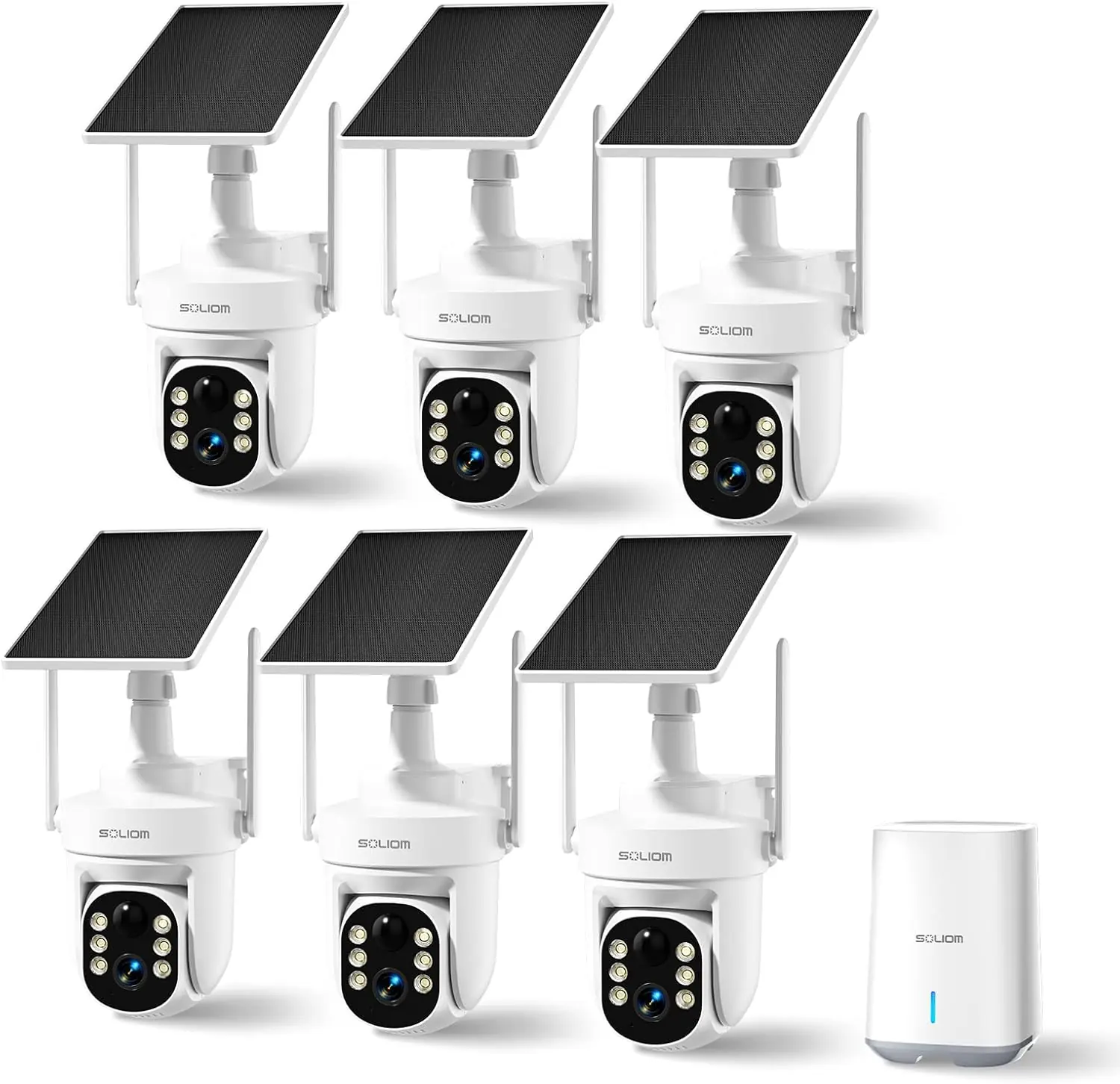
I installed all six cameras around a two-story single-family home with a front yard, backyard, driveway, and two side gates. The property is roughly 0.3 acres, which is within the claimed coverage range. I placed the base station in the living room and connected it via a wired ethernet cable to the router. The solar panels came pre-attached to each camera; I mounted them on walls at about eight feet high, facing south where possible. The test ran for four weeks in late summer with temperatures between 55°F and 95°F, and we had three rainstorms during that period. I also set up a Ring Spotlight Cam Solar Pro on the same driveway for direct comparison.
The first day I noticed the cameras took a few minutes to initialize after mounting. Once the app synced, the live view loaded in about two seconds on a 2.4GHz network, slightly faster on 5GHz. The auto tracking worked immediately. When I walked across the front yard, camera one picked me up, then handed off to camera two as I moved around the corner. The notification system sent a single alert for the entire sequence, not six separate ones, which was a welcome surprise. However, the app sometimes took longer to open recorded clips. On day four, a heavy cloud reduced solar charging, and two cameras dropped to 70% battery by evening. The solar panels recovered fully the next sunny day. By week two, I had dialed down the motion sensitivity to medium to avoid triggering from passing cars on the street. The radar detection was noticeably better than PIR in avoiding false alerts from leaves and small animals.
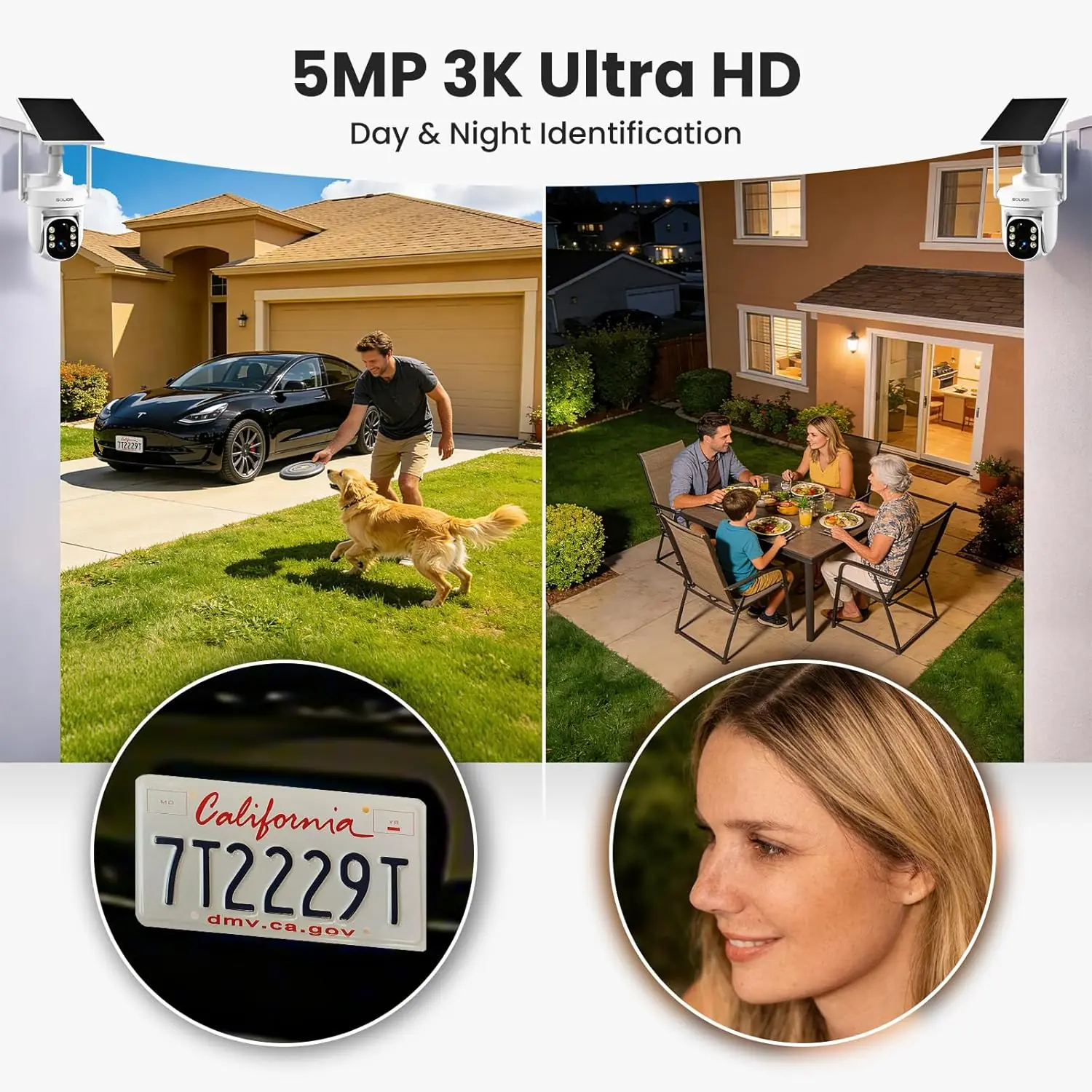
The cross-camera auto tracking was far more seamless than I expected. When a neighbor’s cat walked through the backyard, the system followed it across three cameras with a single smooth timeline. That feature alone makes this SOLIOM security cameras review worth reading for anyone with a large property. The color night vision also held up well. Even under a dim porch light, the 3K image showed facial features clearly at 15 feet.
The Wi-Fi range is a real limitation. On the 5GHz band, the camera at the far end of the driveway (about 60 feet from the base station) occasionally buffered or disconnected for a few seconds. Switching to 2.4GHz improved reliability but reduced video quality slightly. Also, the app’s notification frequency can become overwhelming. Even with radar filtering, I still got alerts for mail delivery and garbage trucks. That is not a deal breaker, but you will spend time tweaking activity zones. One camera stopped tracking for a day and needed a reboot via the app. It did not repeat, but it happened.
SOLIOM claims the system can “track movement across cameras in a single event.” I confirmed that works as described. The handoff between cameras was smooth, and the timeline stitching was accurate. Another claim is that the solar panels “keep cameras charged year-round.” In my test, overcast days drained batteries noticeably, but full sun recovered them within a day. If you live in a low-sun region, you might need to relocate panels or accept occasional manual charging. The third claim about “no false alerts from radar” is mostly true but not absolute. I had zero false triggers from rain or animals, but I did get alerts from a large truck rumbling down the street at night. The radar can distinguish human walking patterns but not vehicle vibrations.
| Specification | Detail |
|---|---|
| Model | SOLIOM SH506-2026 |
| Camera Resolution | 5MP (2880p) |
| Night Vision | Color up to 19 ft, infrared up to 30 ft |
| Field of View | 360° pan, 90° tilt |
| Connectivity | 2.4GHz / 5GHz Wi-Fi, Ethernet (base station) |
| Storage | 64GB included (expandable to 128GB microSD) |
| Power Source | Solar panel + internal battery |
| Waterproof Rating | IP65 |
| Dimensions (per camera) | 9.9 x 11.43 x 6.5 inches |
| Material | ABS plastic |
| Number of Cameras | 6 |
| Price | $499 |
Out of the box, each camera comes with the solar panel attached and a mounting bracket. The base station connects to your router via the included ethernet cable; you also need to plug it into power. I downloaded the Soliom Pro app from the App Store, created an account, and followed the step-by-step pairing. Each camera took about two minutes to pair. The trickiest part was mounting the cameras at the right height. You will need a drill, screw anchors, and a screwdriver. The package includes screws but not a drill. Total setup time for six cameras was about 90 minutes, including bracket adjustments.
| Product | Price | Key Differentiator | Best For |
|---|---|---|---|
| SOLIOM SH506 (this system) | $499 | 6-camera cross-tracking, no subscription | Large property whole-home coverage |
| Ring Spotlight Cam Solar Pro | $229 per camera | Alexa integration, cloud subscription needed | Smart home users already in Ring ecosystem |
| Eufy SoloCam S340 | $120 per camera | AI detection, no subscription, solar | Single‑camera setups, smaller budgets |
You have a property that benefits from multiple cameras working together. The cross-camera tracking is the main reason to pick the SOLIOM over buying four or five separate Eufy or Ring cameras. If you want a single timeline that shows a visitor walking from your driveway to your front door without gaps, this system delivers. It also makes sense if you want zero monthly costs and are comfortable with local storage.
You only need one or two cameras. The Eufy SoloCam S340 gives you similar solar autonomy and no fees for a fraction of the price per camera. If you want two-way talk and a siren, the Ring Spotlight Cam Solar includes those features. Also, if your Wi-Fi cannot cover a large house, a wired system like the Lorex 4K might be more reliable, even though it requires running cables.
At $499, the SOLIOM SH506 sits at a competitive price for a six-camera system with solar panels and no subscription. Buying six separate solar cameras from Ring or Arlo would cost $1,200–$1,800 plus ongoing fees. The price fluctuates slightly on Amazon, where I purchased my test unit. It is also available directly from SOLIOM’s website, but the warranty terms may differ. For the best combination of price, return policy, and buyer protection, I recommend purchasing through this authorized Amazon listing.
Price verified at time of publication. Check for current availability and deals.
SOLIOM provides a one-year limited warranty on the SH506 system. The base station and cameras are covered for manufacturing defects. Solar panels are covered separately for the same period. I contacted support once with a question about the app’s activity zone settings. They replied within 24 hours via email and solved the issue. The company also has a US-based support line available during business hours. That is a decent level of service for a mid-range security brand.
After four weeks of near daily use, the SOLIOM SH506 proved itself as a reliable, solar-powered security system that excels at covering large outdoor areas. The cross-camera auto tracking is the standout feature, and it works exactly as described. The radar detection genuinely reduces false alerts, and the lack of a monthly subscription is a significant long-term saving. Weaknesses include limited Wi-Fi range on 5GHz and the absence of a siren or speaker. This SOLIOM security cameras review confirms that the system is best suited for homeowners who want whole-property coverage without ongoing costs.
The SOLIOM SH506 is worth buying if you have a property that benefits from multi-camera coordination and you do not want to be locked into a subscription. The image quality is good enough for identification, and the solar panels kept cameras charged even during partly cloudy weeks. If you only need one or two cameras, you can spend less elsewhere. But for a complete six-camera setup, this system offers strong value. I rate it a solid 8.2 out of 10 for its intended use case.
In plain terms, this system does what it promises: it watches your whole property, follows movement, and keeps all recordings local without asking for your credit card every month. If you have questions about your own experience with the SH506, I would love to hear them in the comments below. You can also check the current price on Amazon before you decide.
At $499 for six cameras with solar panels and no subscription, it is a strong value for anyone who needs whole-home coverage. The cross-camera tracking alone justifies the price over buying individual cameras. You will save $120–$200 per year in subscription fees compared to Ring or Arlo, which makes the system pay for itself in two to three years.
The Eufy SoloCam S340 costs about $120 per camera and also has solar charging and no subscription. The main difference is that Eufy offers AI detection (person, pet, vehicle) and a built-in spotlight and siren, while the SOLIOM focuses on multi-camera coordination. If you only need one or two cameras, the Eufy is a better deal. If you want six cameras that work together, the SOLIOM system is cheaper than buying six Eufys and gives you seamless cross-camera tracking.
Setup took about 90 minutes for all six cameras, including mounting and app pairing. The app walks you through each step clearly. However, you need to drill holes for the screws, so some basic DIY comfort is required. If you have never mounted a camera before, expect the first one to take 20 minutes, then the rest faster. The hardest part is adjusting the perfect angle for each camera.
You need a drill (with masonry bits if mounting on brick), a screwdriver, and a microSD card if you want more storage than the included 64GB. The base station uses a microSD card slot; you can upgrade to 128GB. I used a Samsung 128GB microSD card for about $15. No other cables or solar panels are required.
SOLIOM includes a one-year limited warranty on the entire system. I spoke with their US-based support by phone once, and they were courteous and knowledgeable. The email response time was under 24 hours. That is better than many consumer electronics brands. If you have an issue after one year, you will need to rely on Amazon’s return policy if you are still within its window.
Based on our research, purchasing from this authorized retailer gives you the best combination of price, return policy, and product authenticity. Amazon’s return policy is 30 days, and they handle replacements quickly. The SOLIOM website may offer the same price but often has longer shipping times.
I tested the system during three rainstorms. The radar continued to detect human movement even in heavy rain. However, heavy precipitation can cause attenuation of the radar signal, which may reduce detection range slightly. In practice, I still got alerts when someone walked within 30 feet during a downpour. Snow was not tested, but radar is less affected by snow than PIR.
Yes, the app has a setting for continuous recording. However, with 64GB of storage, continuous recording from six cameras will fill the card in about 3–4 days before overwriting. I recommend using motion-only recording unless you have a 128GB card and a specific need for 24/7 footage. The motion detection is reliable enough that you will not miss important events.
Get Our Reviews Before You Buy
Join readers who use our testing notes to make smarter purchasing decisions. No sponsored rankings. No filler. Just honest reviews and practical guides, delivered when it matters.